

Most people hit a wall the moment they try to export a Jupyter Notebook to PDF. The default method requires LaTeX and most machines simply do not have it installed. Converting IPYNB to PDF without LaTeX saves hours of troubleshooting and gets your report ready in under a minute.
Why Does IPYNB to PDF Need LaTeX
The default nbconvert command converts your notebook into a LaTeX document first. It then compiles that document into a PDF using a program called xelatex. If xelatex is missing from your machine, the whole process fails with the xelatex not found error.
Your notebook is perfectly fine. The problem is a missing system dependency not your file. TeX Live on Linux, MiKTeX on Windows and MacTeX on Mac are each large downloads that most users would rather avoid completely.
4 Ways to Convert IPYNB to PDF Without LaTeX
Each method below skips the LaTeX dependency entirely. Pick the one that fits your current setup and go.
1. Convert IPYNB to PDF Without LaTeX Using nbconvert webpdf
The webpdf method replaces xelatex with a headless Chromium browser. Run these two commands in your terminal:
pip install “nbconvert[webpdf]”
jupyter nbconvert – – to webpdf – – allow- chromium- download notebook.ipynb
Chromium downloads automatically on the first run. Your PDF generates cleanly without any TeX package. The layout matches what you see in JupyterLab with no formatting surprises.
2. Convert IPYNB to PDF Without LaTeX in Google Colab
Open your notebook in Colab then go to File and click Print. Set the destination to Save as PDF in the browser print dialog. Colab renders through your browser so no LaTeX or local Python environment is required. This is the fastest path for anyone already working inside Colab.
3. Convert IPYNB to PDF Without Jupyter Using Browser Print
Open your .ipynb file in JupyterLab or VS Code. Press Ctrl P on Windows or Cmd P on Mac then choose Save as PDF as the print destination. The browser handles all the rendering. You skip LaTeX completely and get a PDF in under 30 seconds.
4. Convert Jupyter Notebook to PDF Without LaTeX Online
Our free IPYNB to PDF converter requires no installation at all. Upload your .ipynb file, set your page options and download a clean formatted PDF in seconds. No TeX Live, no MiKTeX, no Python and no command line. Works on Windows, Mac, Linux and any mobile browser without any setup.
Fix xelatex Not Found Error Without Installing LaTeX
Replace – – to pdf with – – to webpdf in your nbconvert command. Add – – allow- chromium- download on the first run. The conversion completes without touching any LaTeX distribution on your machine. This single change fixes the xelatex not found error on Windows, Mac and Linux permanently.
Which Method to Use for IPYNB to PDF Without LaTeX
Use nbconvert webpdf if Python is already on your machine and you prefer working in the terminal. Use Google Colab, but if your notebook already lives there. Use browser print for a single quick PDF from an open notebook. Use the free online converter if you are on a shared machine or any device where software installation is not possible.
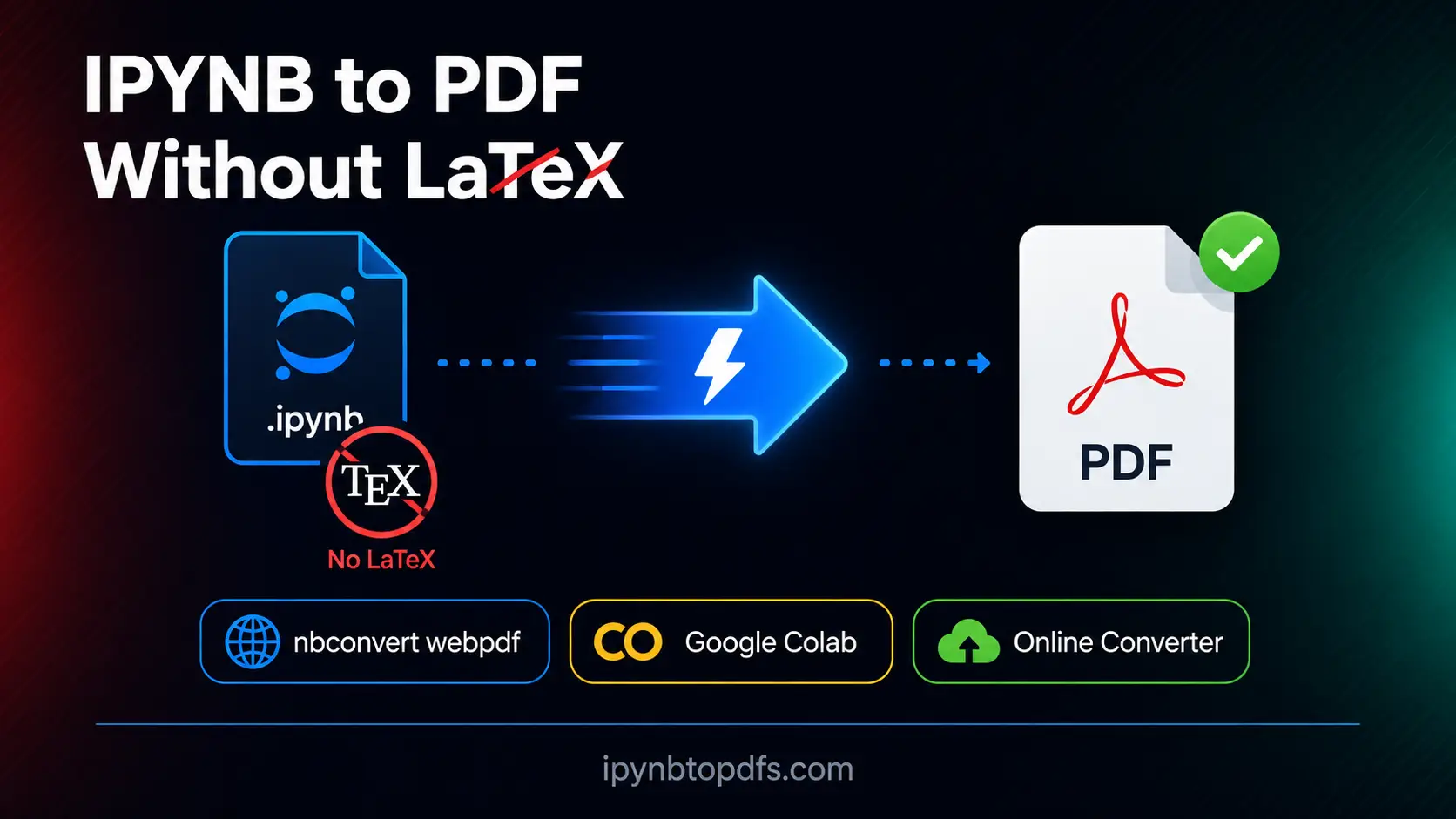
Convert IPYNB to PDF Without LaTeX in Seconds
To convert IPYNB to PDF without LaTeX, visit ipynbtopdfs.com and upload your .ipynb file. Choose your page size and output settings then click Convert. The tool processes your notebook on our servers without xelatex, TeX Live or any local dependency. A clean PDF is ready to download in seconds on any device.
Conclusion
Converting a Jupyter Notebook to PDF without LaTeX is faster and simpler than the default route once you know the right method. The nbconvert webpdf command, Google Colab print, browser print and our free online converter all skip the LaTeX dependency completely. Next time you see the “xelatex not found” error, you know exactly what to do.
FAQs - Convert IPYNB to PDF Without LaTeX
How do I convert IPYNB to PDF without LaTeX?
Use nbconvert webpdf, Google Colab print, browser print or our free online converter at ipynbtopdfs.com. All four methods skip LaTeX entirely.
What causes the xelatex not found error?
nbconvert needs xelatex to render PDFs and your machine does not have it. Switch to – – to webpdf to fix it without installing any LaTeX distribution.
Can I convert IPYNB to PDF without installing anything?
Yes. Our free online converter at ipynbtopdfs.com requires no Python, Jupyter or LaTeX. Upload your file and download the PDF in seconds.
Does nbconvert webpdf produce good quality PDFs?
Yes. It uses Chromium to render the notebook and produces clean PDFs with correct charts and math equations.
How do I convert IPYNB to PDF in Google Colab without LaTeX?
Go to File then Print in Colab and select Save as PDF in the print dialog. No LaTeX or local software required.
Can I convert a Jupyter Notebook to PDF without Python installed?
Yes. Our free online converter needs no Python, Jupyter or LaTeX. Just upload and download.
Will my charts and math equations appear correctly in the PDF?
Yes. All four methods preserve code cells, MathJax equations and chart outputs in the final PDF.
What is the fastest way to convert IPYNB to PDF without LaTeX?
The free online converter is fastest. Upload your .ipynb file and your PDF is ready in seconds with zero setup.