
IPYNB to ODT Converter
Turn any Jupyter Notebook into an editable OpenDocument Text file in seconds. This free online ipynb to odt converter runs without nbconvert, Pandoc or any local install. Code cells become properly styled blocks. Markdown text carries over as headings and paragraphs. Upload your .ipynb file, preview and download a .odt file ready for LibreOffice or Apache OpenOffice.
Supports multiple files · Converts to ODT (Max 50MB each)
Related Converters
How to Convert IPYNB to ODT
Finish your ipynb to odt export in three quick steps. No setup needed.
Upload Your Jupyter Notebook
Drag and drop your .ipynb file into the upload area or click to browse. Run every cell first if you want the latest outputs and rendered charts to appear inside the ODT file.
Choose Your Export Options
Pick whether to add a cover page, include a table of contents or preserve syntax highlighting then click Convert. The tool handles code cells, markdown text and math equations automatically.
Preview and Download
Review the generated .odt file before saving. Download the finished document ready to open in LibreOffice Writer, Apache OpenOffice, Collabora Online or any word processor that supports the OpenDocument standard.
Pro Tips for Better IPYNB to ODT Results
- Run every cell in your Jupyter Notebook before uploading. Executed cells produce inline outputs and rendered charts inside the ODT file instead of empty spaces or blank sections.
- If your document goes to a government agency or university with open format requirements, ODT satisfies ISO/IEC 26300 compliance policies out of the box.
Save your notebook from JupyterLab, VS Code or Google Colab before uploading. A fresh save captures the latest markdown edits and code changes correctly.
Enable the cover page and table of contents options for longer notebooks. LibreOffice Writer renders these properly which makes the document easier to navigate for reviewers.
- Check that your MathJax or KaTeX equations render properly in the notebook first. The converter reproduces exactly what the notebook itself displays inside the ODT file.
- Remove any API keys or sensitive tokens from cells before converting. ODT files are often shared through email or public repositories where credentials get exposed by accident.
Why Use This IPYNB to ODT Converter
Built for open source enthusiasts, government workers under ODF mandates and academic researchers preferring open standards. Every conversion produces a clean ODT file that opens in LibreOffice, Apache OpenOffice and every OpenDocument compatible editor.
No Install or Pandoc Setup
Skip pip install, nbconvert and every Python dependency in between. This converter runs on our servers so your notebook becomes an ODT file in one upload. It works on Windows, macOS, Linux and Chromebook without touching the command line.
Fully OpenDocument Standard Compliant
The output follows the OASIS OpenDocument Format specification, an ISO/IEC 26300 international standard. It is perfect for government agencies, public sectors and universities under policies.
Opens in Every Open Source Office Suite
The generated .odt file opens perfectly in LibreOffice Writer, Apache OpenOffice, Collabora Online, OnlyOffice and Calligra Words. No lock in to any single vendor or platform.
Files Are Deleted After Every Conversion
Each uploaded notebook is processed in an isolated environment then removed from the server the moment your ODT file is ready. Nothing is stored, logged or shared with anyone.
Also Opens in Microsoft Word
Modern Microsoft Word versions read ODT files natively. Reviewers on Windows or macOS can open your document without installing any additional software or converting the file again.
Charts and Math Come Through Cleanly
MathJax and KaTeX equations render as proper OpenDocument formulas. Matplotlib, Plotly and Seaborn charts appear as embedded images at their original resolution without losing quality.
About the Formats
File extension
.ipynb
Category
Document/Office file formats
Developed by
Mime type
application/x-ipynb+json
Format description
IPYNB stands for Interactive Python Notebook, a format created by the IPython Project around 2011 and later adopted across the broader Project Jupyter ecosystem. Each file is a JSON document holding code cells, Markdown text and mathematical equations in one place. Cell outputs sit right below the code that produced them. The format supports Python, R, Julia and JavaScript through kernels which makes it the standard for reproducible research and data science workflows.
File extension
.odt
Category
Document/Office file formats
Developed by
OASIS
Mime type
application/vnd.oasis.opendocument.text
Format description
ODT stands for OpenDocument Text, the word processing format defined by the OpenDocument Format specification from OASIS in 2005. It became an ISO/IEC 26300 international standard the following year. Unlike proprietary formats, ODT is fully open source and vendor neutral. It opens natively in LibreOffice Writer, Apache OpenOffice, Collabora Online, OnlyOffice and modern versions of Microsoft Word. It’s the preferred format for government agencies, universities and open source workflows.
ODT to IPYNB Converter
Not every workflow moves in one direction. If you have an OpenDocument Text file from a colleague, thesis draft or research report that needs to become an interactive Jupyter Notebook for further analysis, our ODT to IPYNB converter reverses the process. The output opens directly in JupyterLab, VS Code or Google Colab with your content split into runnable cells.
How to Convert IPYNB to ODT in Seconds
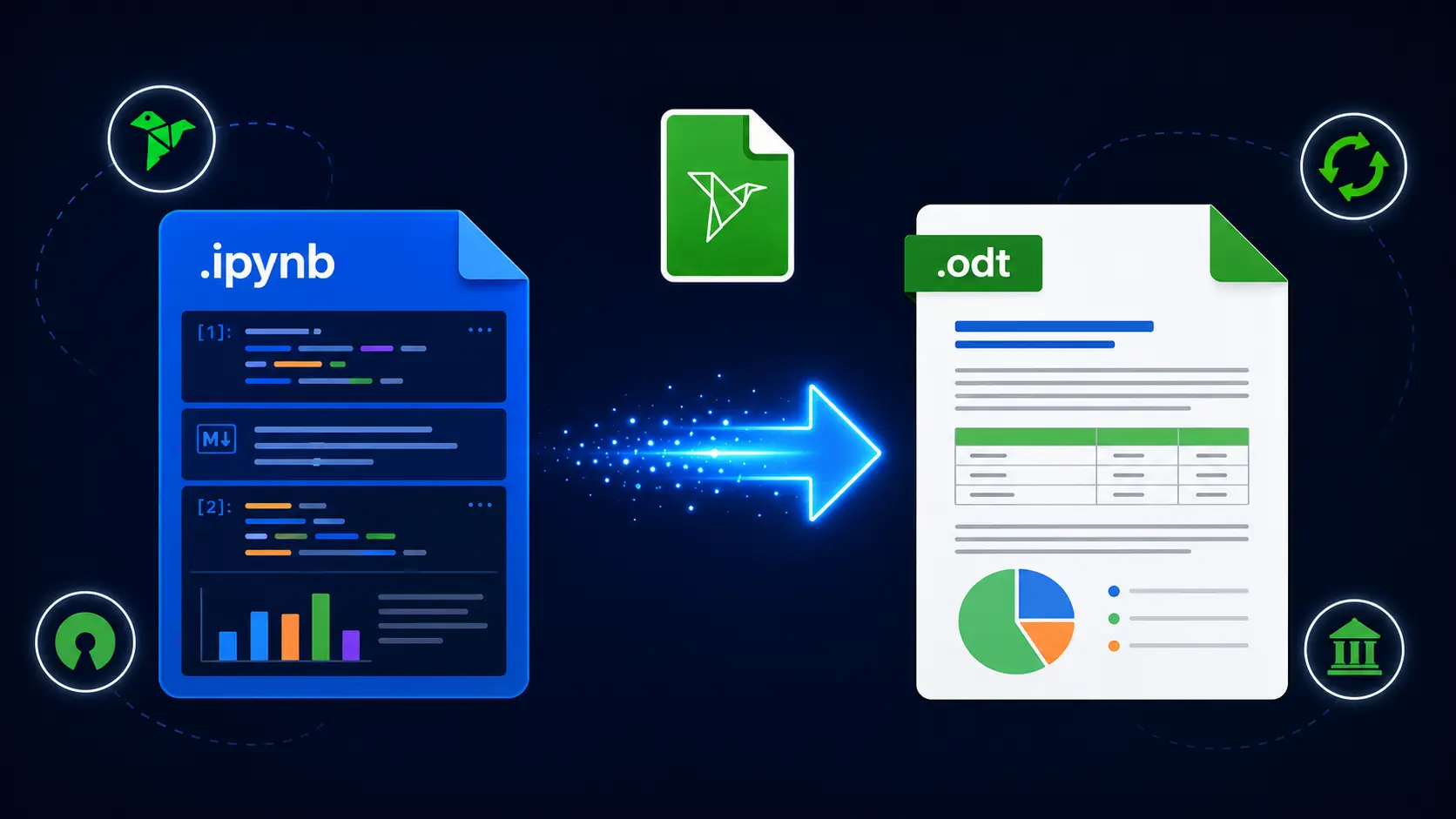
To convert IPYNB to ODT, upload your Jupyter Notebook file to this tool. Choose whether to add a cover page, include a table of contents or preserve syntax highlighting then click Convert. The tool processes your code cells, markdown text and math equations automatically. Chart outputs appear as embedded images. A clean ODT file is ready in seconds. No nbconvert, Pandoc or LibreOffice installation required.
Conclusion
Submitting a thesis to a university with open format requirements, sharing analysis with a public sector team or archiving research in a vendor neutral format all need one thing. A clean OpenDocument file that opens in any office suite. This ipynb to odt converter gets you there in seconds. No environment setup. No dependency errors. Your notebook becomes a real OpenDocument file ready for any reviewer.
FAQs - IPYNB TO ODT
How do I convert IPYNB to ODT online?
To Convert Ipynb To Odt, Upload your .ipynb file to the converter, choose your export options then click Convert to download a clean .odt file ready for LibreOffice or Apache OpenOffice.
Do I need Pandoc or LibreOffice installed to convert IPYNB to ODT?
No, This tool handles the full conversion on our servers so you skip installing Jupyter, nbconvert, Pandoc or LibreOffice just to convert ipynb to ODT file.
Will the ODT file open in Microsoft Word?
Yes. Modern Microsoft Word versions read ODT files natively without any plugin or conversion step. Reviewers on Windows or macOS can open it directly.
Is ODT the same as DOCX?
No. ODT is the OpenDocument standard from OASIS used by LibreOffice and Apache OpenOffice. DOCX is Microsoft’s proprietary format. Both open in most modern word processors but ODT is fully open source.
Will my charts, math equations and code appear correctly?
Yes. MathJax and KaTeX equations render as OpenDocument formulas. Code cells stay in monospace formatting and charts appear as embedded images at original quality.
Does ODT satisfy government open format requirements?
Yes. ODT is an ISO/IEC 26300 international standard which meets open format procurement policies used by governments, universities and public sector organizations worldwide.
Is my notebook file stored after conversion?
No. Your uploaded file is processed immediately then deleted from the server the moment your ODT file is ready for download.
Which browsers and devices does this work on?
The converter works on Chrome, Edge, Firefox and Safari. It runs on Windows, macOS, Linux and mobile devices with no plugins required.