

Picking the right IPYNB editor saves time on every project. Some editors need a full Python install while others open in your browser in seconds. This guide covers the best options for desktop, cloud and online use so you can pick the one that fits your situation right now.
What Makes a Good IPYNB Editor
A good IPYNB editor does three things well. It opens .ipynb files without complex setup, renders code cells and markdown correctly and lets you run or edit content without breaking the notebook format. The difference between a great editor and a frustrating one often comes down to how much configuration it requires before you write a single line.
Best IPYNB Editor Options in 2026
Each option below works for a different type of user. Read through and pick the one that matches how you work.
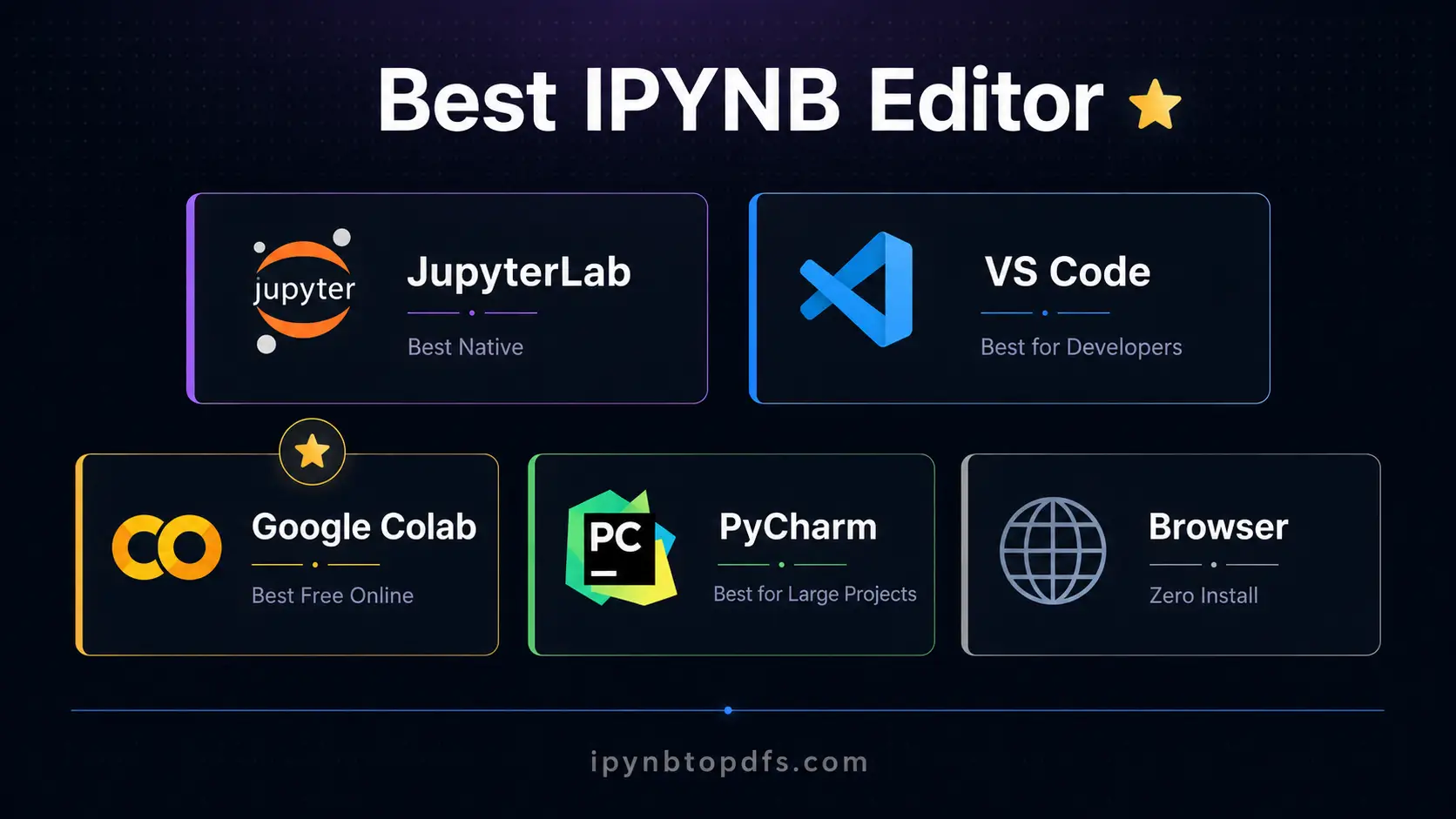
1. JupyterLab - Best Native IPYNB Editor
JupyterLab is the official IPYNB editor built by Project Jupyter. Install it with pip install jupyterlab then run jupyter lab in your terminal. A browser tab opens with a full notebook interface. You get cell execution, markdown preview, a file browser and extension support all in one place. JupyterLab is the safest default if your work is notebook- centric and you want the full native experience.
2. VS Code - Best IPYNB Editor for Developers
VS Code is the most popular IPYNB editor among developers who also write Python scripts. Install the Jupyter extension from the VS Code marketplace and open any .ipynb file directly. VS Code adds GitHub Copilot support, a table of contents for long notebooks and local notebook diffing for version control. It works equally well for notebooks and regular Python files in the same window.
3. Google Colab - Best Free IPYNB Editor Online
Google Colab is the most popular IPYNB editor online. Upload your .ipynb file to Google Drive, right click and open with Google Colaboratory. Colab gives you free GPU access, runs entirely in your browser and requires no Python installation. It is the go- to choice for machine learning work and for anyone who needs a free online IPYNB editor without touching the command line.
4. PyCharm - Best IPYNB Editor for Large Projects
PyCharm by JetBrains includes full Jupyter Notebook support for .ipynb files. It offers the most powerful refactoring and code navigation of any editor on this list. PyCharm is the right choice if you work on large Python codebases daily and want deep IDE features alongside your notebooks. The community edition is free and handles IPYNB editing well.
5. pythoncompiler.io - Best IPYNB Editor Online Without Install
pythoncompiler.io is a browser based IPYNB editor online that runs Python locally inside your browser. No Python install, no Jupyter server and no account required. Open a new notebook, write code cells and markdown cells and run them with Shift Enter. Your notebooks download as standard .ipynb files compatible with JupyterLab and Google Colab. This is the fastest way to edit an IPYNB file on a borrowed machine or Chromebook.
IPYNB Editor Comparison
Editor | Install Needed | Free | Best For |
JupyterLab | Yes | Yes | Notebook first workflow |
VS Code | Yes | Yes | Developers and coders |
Google Colab | No | Yes | ML and cloud work |
PyCharm | Yes | Community | Large Python projects |
pythoncompiler.io | No | Yes | Quick edits in browser |
How to Edit an IPYNB File Without Installing Anything
To edit an IPYNB file without any install, go to Google Colab at colab.research.google.com. Click File then Upload Notebook and select your .ipynb file. The file opens in a full IPYNB editor online with code execution ready. Alternatively, visit pythoncompiler.io and create or upload a notebook directly in your browser. Both options work on any device without Python, Jupyter or any local setup.
Conclusion
The best IPYNB editor depends on what you need. JupyterLab and VS Code are the top desktop choices for serious notebook work. Google Colab is the fastest free online IPYNB editor for cloud and ML projects. pythoncompiler.io is the cleanest option when you need a browser based editor with zero installation. Once your notebook is ready, our free IPYNB to PDF converter turns it into a clean shareable document in seconds.
FAQs - Best IPYNB Editor for Every Workflow
What is the best IPYNB editor?
JupyterLab is the best native editor, VS Code is best for developers and Google Colab is the top free online IPYNB editor.
Can I edit an IPYNB file without installing Python?
Yes. Google Colab and pythoncompiler.io both open and edit .ipynb files in your browser with no Python install needed.
What is the best IPYNB editor online?
Google Colab is the most popular. pythoncompiler.io is the best option when you need no account and no upload to a third party server.
Can I edit IPYNB files in VS Code?
Yes. Install the Jupyter extension from the VS Code marketplace and open any .ipynb file directly in the editor.
Is JupyterLab free?
Yes. JupyterLab is free and open source. Install it with pip install jupyterlab and run it locally on any machine.
Can I edit IPYNB files on a Chromebook?
Yes. Google Colab and pythoncompiler.io both work in any browser including Chrome on Chromebooks with no install.
What IPYNB editor works on mobile?
Google Colab works in a mobile browser after uploading your notebook to Google Drive first.
How do I share an edited IPYNB file as a PDF?
Use our free IPYNB to PDF converter at ipynbtopdfs.com. Upload your edited notebook and download a clean PDF in seconds.