
What is IPYNB

An IPYNB file is a Jupyter Notebook document that stores code, text, equations and visual outputs together in a single file. Data scientists, researchers, students and developers use .ipynb files daily to write and run Python code alongside explanations, charts and results. If you received one and are not sure what to do with it, this guide covers everything from what it is to how to open it and convert it to any format you need.
What Does IPYNB Stand For
IPYNB stands for Interactive Python Notebook. The name comes from the original project called IPython Notebook, which Fernando Pérez and Brian Granger introduced in December 2011. The project later expanded into the broader Project Jupyter ecosystem. The file extension stayed as .ipynb even after the tool was renamed Jupyter Notebook.
The word Jupyter itself combines Julia, Python and R – the three programming languages the platform originally supported. Today .ipynb files work with dozens of languages through kernel plugins. Python remains the most widely used by far across data science, machine learning and academic research.
What is Inside an IPYNB File
An IPYNB file is a plain text document stored in JSON format internally. If you open one in a text editor you see structured data rather than a formatted notebook. The Jupyter application reads that JSON and renders it as the familiar cell-based interface you work in.
Every .ipynb file contains three main parts. The cells array holds all the content of the notebook including code, text and outputs. The metadata section records information about the kernel and programming language used. The nbformat field stores the version of the notebook format so the application knows how to render it correctly.
IPYNB File Cell Types
- The content inside an IPYNB file is organized into cells. Each cell has a type and a specific purpose.
- Code cells contain executable Python code. When you run a code cell the output appears directly below it inside the same file. Charts, tables, printed results and error messages all save as part of the cell output.
- Markdown cells contain formatted text written in Markdown syntax. Headings, bullet lists, bold text, images and links all live in markdown cells. They give the notebook its narrative structure and make it readable for anyone who did not write the code.
- Raw cells pass unformatted content directly to export tools like LaTeX or HTML without any processing by the notebook application itself.
IPYNB File vs Python File
Many people wonder what the difference is between an .ipynb file and a .py file. They look similar but serve very different purposes.
A .ipynb file stores code cell by cell with outputs saved right next to each block of code. It mixes executable code with markdown text, images and results in one document. A .py file is a plain Python script that runs from top to bottom with no stored outputs and no formatted text.
IPYNB is the better choice for data exploration, teaching, research and sharing results with context. Python is the better choice for production code, automation and deployment.
How to Open an IPYNB File
- You can open a .ipynb file in several ways depending on what you want to do with it.
- JupyterLab and Jupyter Notebook are the official tools. Install either one with pip and launch from your terminal. VS Code opens .ipynb files natively with the Jupyter extension installed from the marketplace. Google Colab opens them in your browser with no local install needed at all. nbviewer.jupyter.org renders any notebook from a public GitHub URL as a formatted web page.
- If you just want to read or share the content, converting it to PDF is the fastest option. Our free IPYNB to PDF converter opens any notebook and produces a clean document in seconds with no Jupyter or Python installation required.
How to Convert IPYNB Files
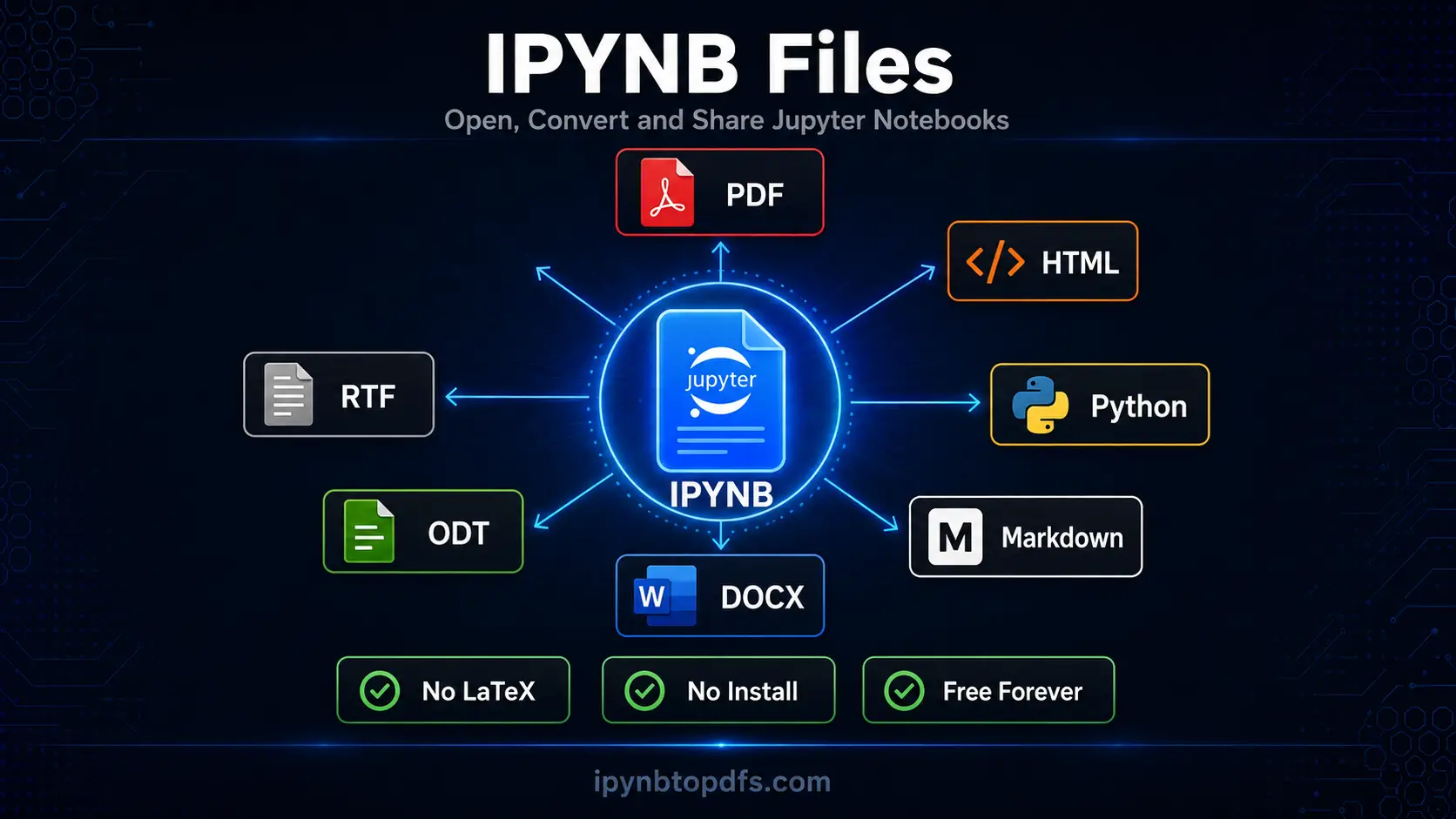
Converting a .ipynb file to another format lets you share your notebook with anyone regardless of whether they have Jupyter installed. Each format serves a different purpose and audience.
Use our free converters below to turn any IPYNB file into the format you need in seconds. No installation, no LaTeX and no command line required.
Who Uses IPYNB Files
IPYNB files appear across many fields and roles because of how naturally they combine code and explanation.
Data scientists use them to explore datasets, run models and document their findings in one reproducible file. Researchers use them to write papers where methodology, code and results live together. Educators build interactive teaching materials where students run examples in real time. Machine learning engineers prototype models before moving code into production scripts. Students submit coursework, assignments and project reports as formatted .ipynb exports.
What is IPYNB in Simple Terms
An IPYNB file is a digital notebook where code and writing live side by side. You write a block of Python code, run it and the result appears right below it. You add explanations in plain text between code blocks. The whole thing saves as one .ipynb file that anyone with Jupyter can open and run exactly as you left it. It is the standard format for interactive data science work worldwide.
Conclusion
IPYNB is the native file format of Jupyter Notebook, storing code cells, markdown text and execution outputs together in a single JSON document. It is the standard for data science, machine learning and academic computing across Python, R and Julia. You can open .ipynb files in JupyterLab, VS Code or Google Colab. To share one with someone outside your team, our free converters turn any Jupyter Notebook .ipynb file into PDF, HTML, Python, Markdown, DOCX, ODT or RTF in seconds.
FAQs - What is IPYNB
What does IPYNB stand for?
IPYNB stands for Interactive Python Notebook, named after the original IPython Notebook project Fernando Pérez introduced in 2011.
What type of file is an IPYNB file?
An IPYNB file is a plain text JSON document that stores code cells, markdown cells and their outputs in a structured format.
How do I open an IPYNB file?
Open it in JupyterLab, VS Code with the Jupyter extension or Google Colab. To share it without Jupyter, convert it to PDF at ipynbtopdfs.com in seconds.
What is the difference between IPYNB and PY files?
A .py file is a plain Python script. An .ipynb file mixes code, markdown text and stored outputs in cells making it interactive and self-documenting.
Can I open an IPYNB file without installing Jupyter?
Yes. Google Colab, VS Code with the Jupyter extension and our free online converters all work without a local Jupyter installation.
What programs open IPYNB files?
JupyterLab, Jupyter Notebook, VS Code, Google Colab, PyCharm and nbviewer all open .ipynb files natively.
Can I convert an IPYNB file to PDF?
Yes. Use our free IPYNB to PDF converter at ipynbtopdfs.com. No LaTeX or Jupyter installation needed at all.
Is an IPYNB file the same as a Jupyter Notebook?
Yes. An IPYNB file is the saved format of a Jupyter Notebook. Every Jupyter Notebook saves and loads as an .ipynb file.